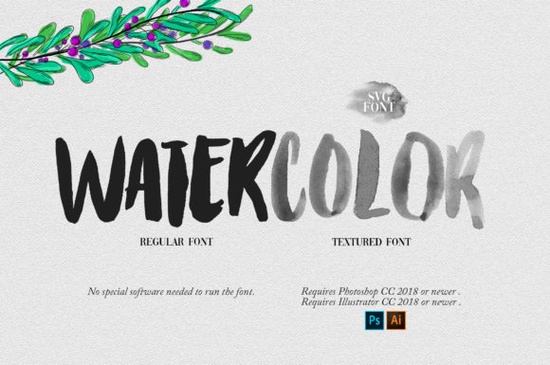
If you’ve ever tried to recreate that soft, painterly watercolor look in your designs only to spend hours layering brushes or tweaking textures you’ll appreciate what the Watercolor Font brings to the table. This isn’t just another decorative typeface. It’s an SVG font built to mimic real watercolor strokes with zero extra effort. Type your text, pick the font, and watch your words bloom with texture, depth, and color as if they were hand-painted.
Created by PremiereGraphics, this is their first SVG offering and it shows thoughtful attention to detail. The brush-like edges, subtle bleed effects, and natural color variation make it ideal for projects where warmth and artistry matter: think wedding invites, boutique branding, social media graphics, or even merch for print-on-demand sellers. And yes, it pairs beautifully with script fonts if you’re layering styles for contrast.
What kinds of projects work best with this font?
You don’t need to be a pro designer to get great results. Here’s where this font shines:
- Wedding stationery – Invitations, menus, and place cards feel instantly elegant.
- Small business branding – Coffee shops, florists, or handmade goods stores can add charm without hiring an illustrator.
- Social content – Instagram quotes, Pinterest pins, or YouTube thumbnails pop with organic texture.
- Print-on-demand products – T-shirts, mugs, tote bags anything that benefits from a handcrafted aesthetic.
- Photo overlays – Add names, dates, or captions to portraits or event photos with artistic flair.
Because it’s an OpenType-SVG font, the color and texture are baked right into each character. That means no manual coloring or masking just select and type. For more ideas on pairing it with other colorful fonts, check out our guide on watercolor font combinations.
Which software supports this font?
Before you download, make sure your tools can handle SVG fonts. The Watercolor Font works smoothly in:
- Adobe Photoshop (CC 2017 and later)
- Adobe Illustrator (CC 2018 and later)
- Silhouette Studio (Business Edition required)
- Inkscape (v1.0+ with experimental SVG font support)
A quick heads-up: the standard OTF or TTF versions won’t give you the color effect and they’re not compatible with Cricut Design Space. If you’re using Cricut, stick to PNG cut files or convert your text to outlines first in a supported program.
Need help getting started? We’ve put together a step-by-step Ultimate Font Guide that walks you through installing and using SVG fonts across different platforms.
How does it compare to hand-painting or brush fonts?
Brush fonts often simulate pressure and stroke variation but they’re usually single-color and lack the wet, blended texture of real watercolor. With the Watercolor font, you get multi-tonal characters that look like they were dipped in pigment and pressed onto paper. No blending modes, no layer adjustments. Just authentic-looking results in seconds.
That said, if you love mixing styles, try pairing it with a clean sans-serif for headings or a delicate script for accents. The contrast between structured and fluid elements creates visual interest without overwhelming your layout.
Any tips for getting the most out of this font?
A few small tweaks can make a big difference:
- Scale wisely – Because of its detailed texture, avoid shrinking it too small. At tiny sizes, the brush details may blur together.
- Use generous spacing – Letters already have organic overlap; adding extra tracking helps them breathe.
- Layer with solid backgrounds – Pale watercolor letters stand out best against dark or muted tones.
- Export as PNG or SVG – If you’re sending files to clients or uploading to POD sites, preserve the transparency and color fidelity.
And remember this font isn’t meant to replace every typeface in your toolkit. It’s a specialty tool for when you want that handmade, artsy vibe without the time investment.
Where else can I find fonts like this?
If you enjoy the Watercolor Font, you might also like exploring similar SVG or textured typefaces. Creative Fabrica has a growing collection of color fonts designed for creatives who value efficiency and authenticity. You can browse more options like Watercolor directly on their site filter by “SVG” or “color font” to see only compatible styles.
Next step: Download the font, open Photoshop or Illustrator, and test it with a short phrase like “hello spring” or “gather & grow.” See how the texture reacts at different sizes. Then save your favorite combo as a style preset you’ll use it again.
Learn More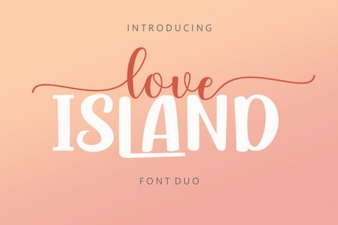 Love Island Duo Font Pairings & Styles Guide
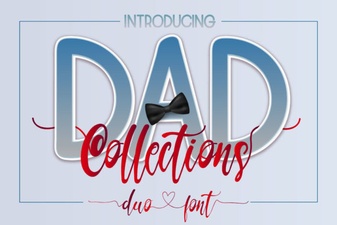 Design Projects with the Dad Collections Creative Font
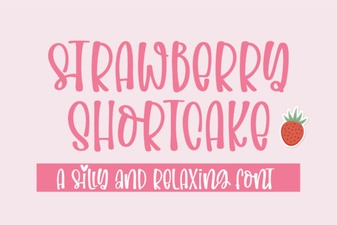 Strawberry Shortcake Fonts for Design Projects
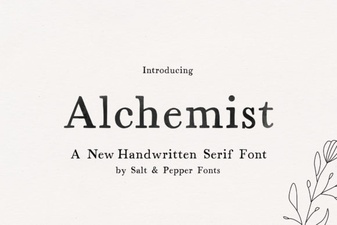 Alchemist Font: Download and Creative Use Guide
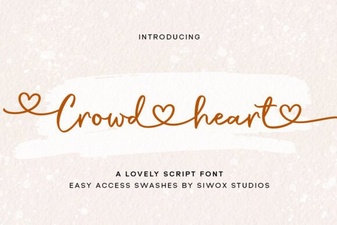 Creative Typography with Crowd Heart Font
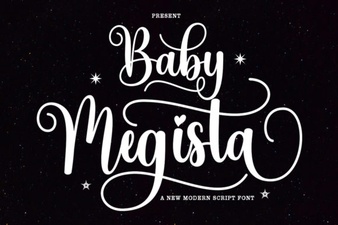 Creative Projects with Baby Megista Font